

Drawing Chandra
The inside story of my drawing process

Recently watched Lokah Chapter: 1 Chandra, and absolutely loved it. The world building, the characters, and above all, the visuals were stunning.
Since then I wanted to draw Chandra, the protagonist of the movie, played by Kalyani Priyadarshan.
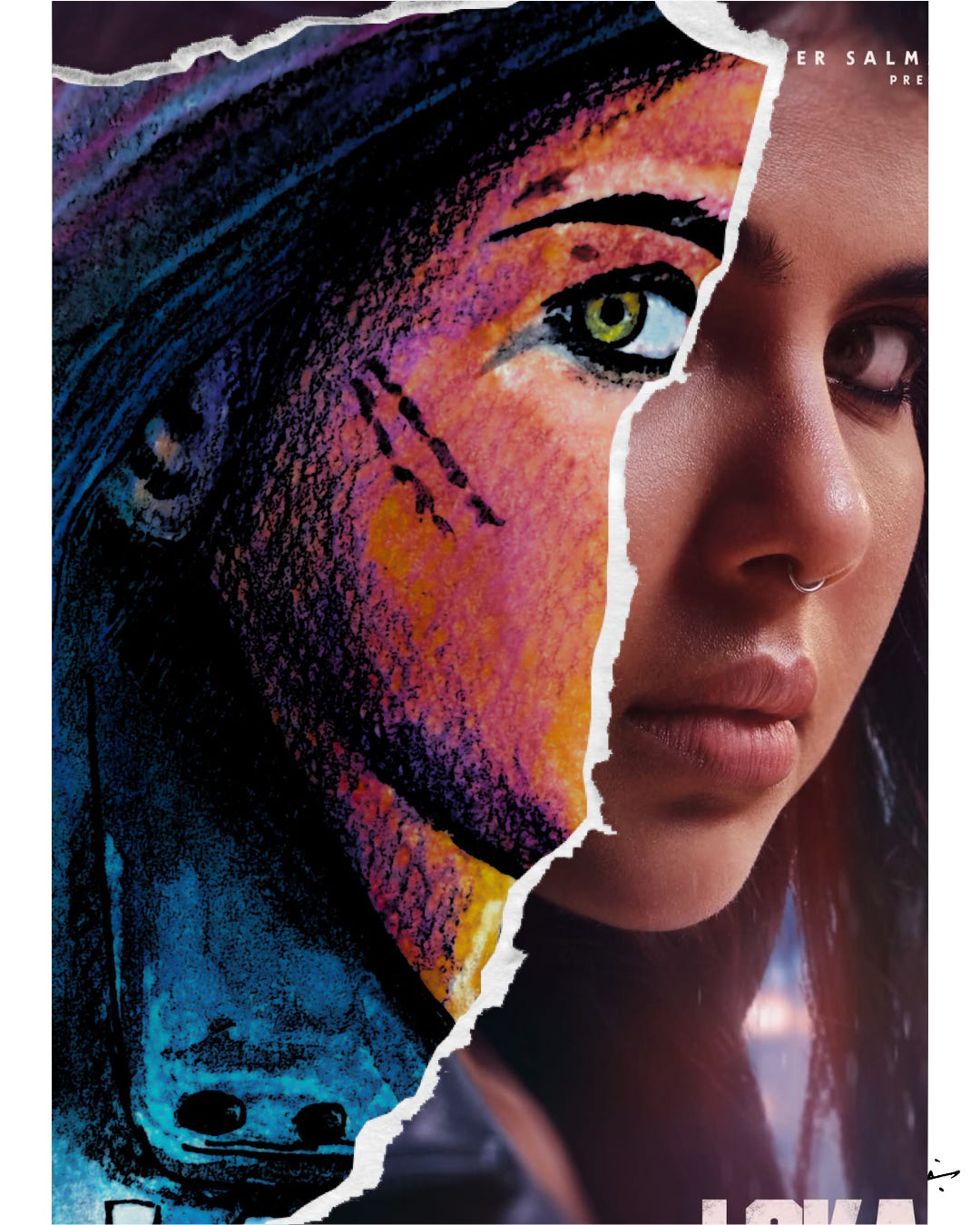
Here's a step by step breakdown of the process
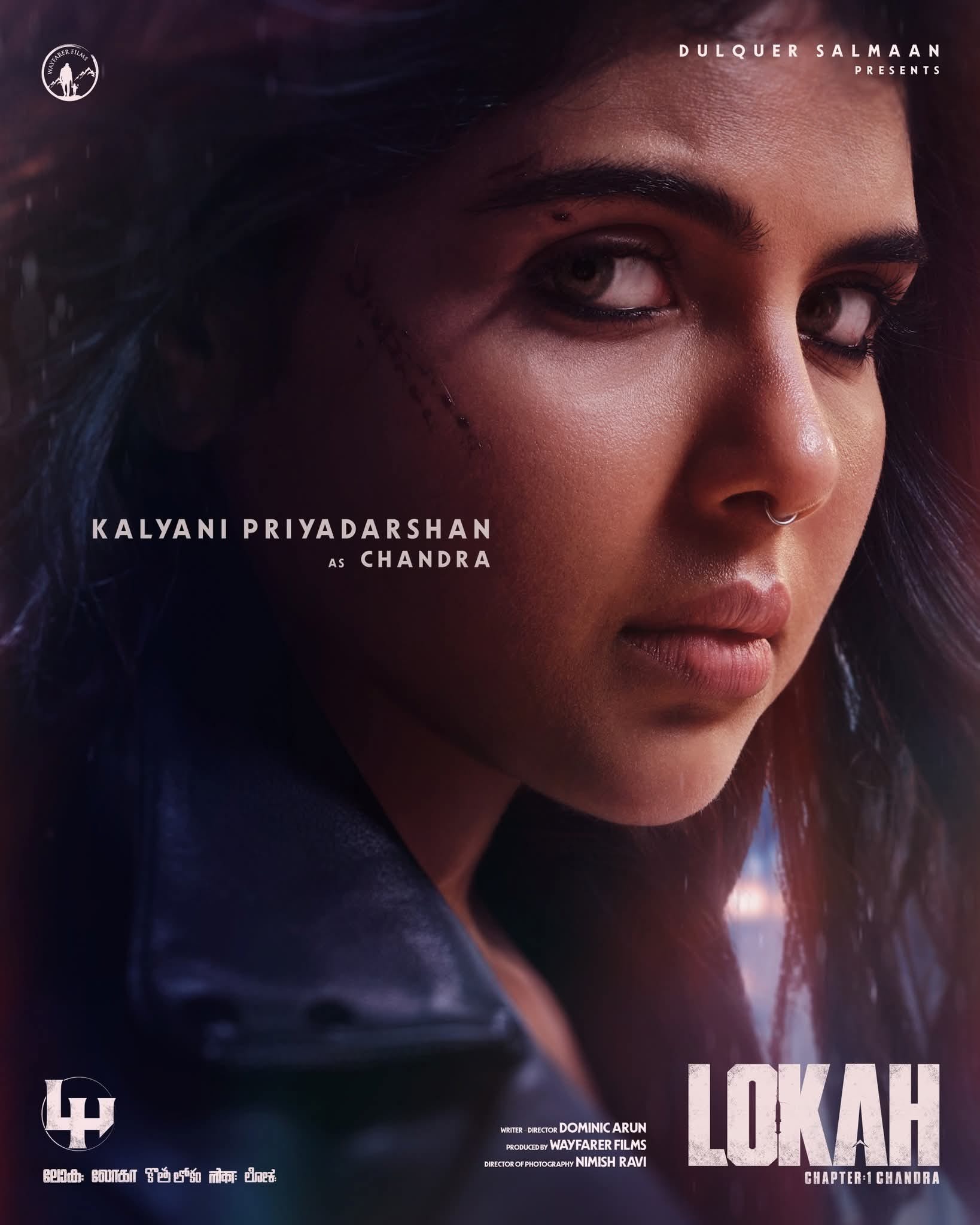
Step 1: Select the reference
Here's the poster i selected for my task, from twitter:
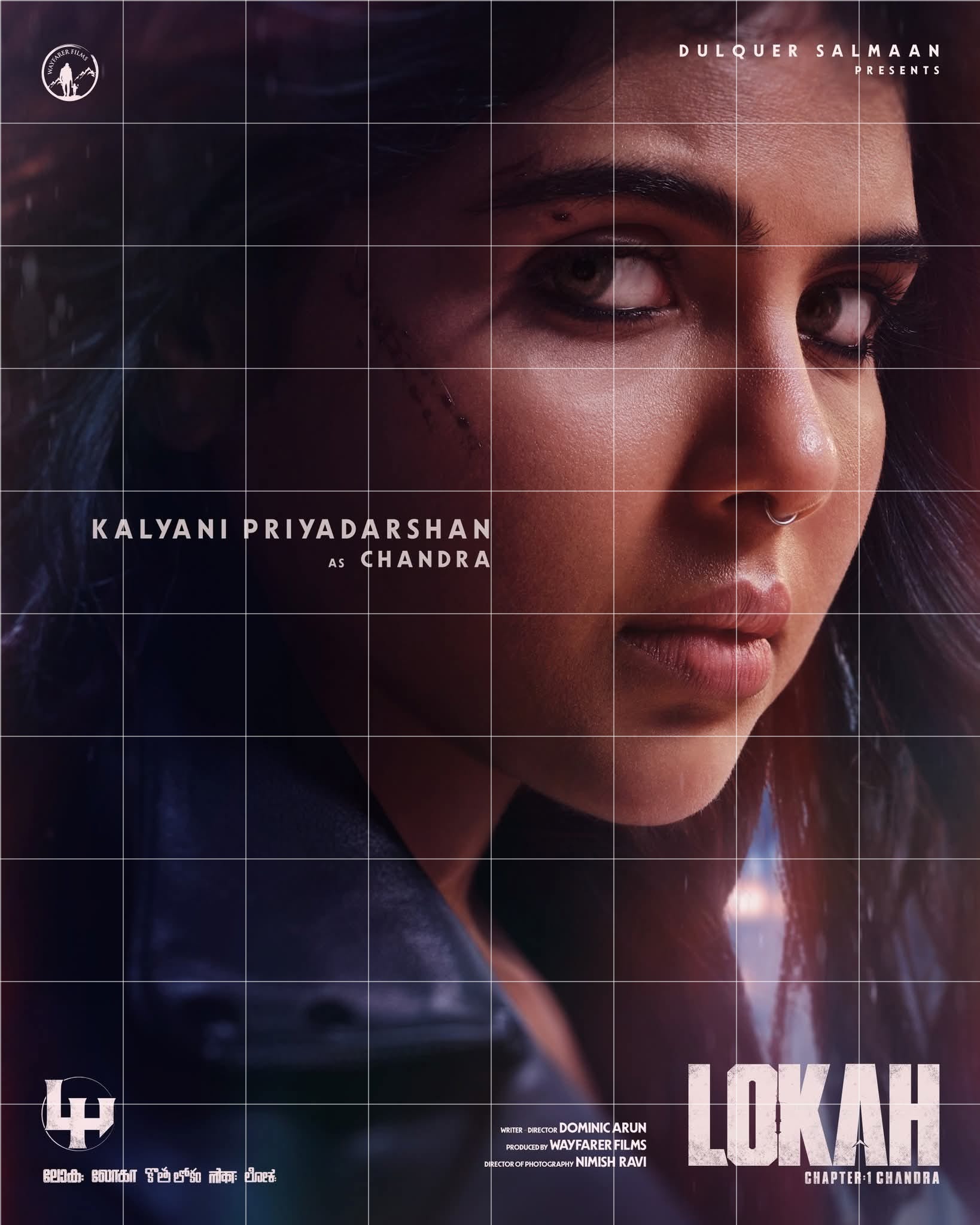
Step 2: Get the grid lines
I am not one to use Lewis method and all. I can't and don't trust it much. I am an engineer and I trust my Cartesian plane.
So I just went here to add grid lines to my poster reference: https://yomotherboard.com/add-grid-to-image/#google_vignette
You need to smartly align the gridlength
Step 3: Draw the lines on your paper
It's a lot of math and stuff but you'll get it. Pro tip: use set squares
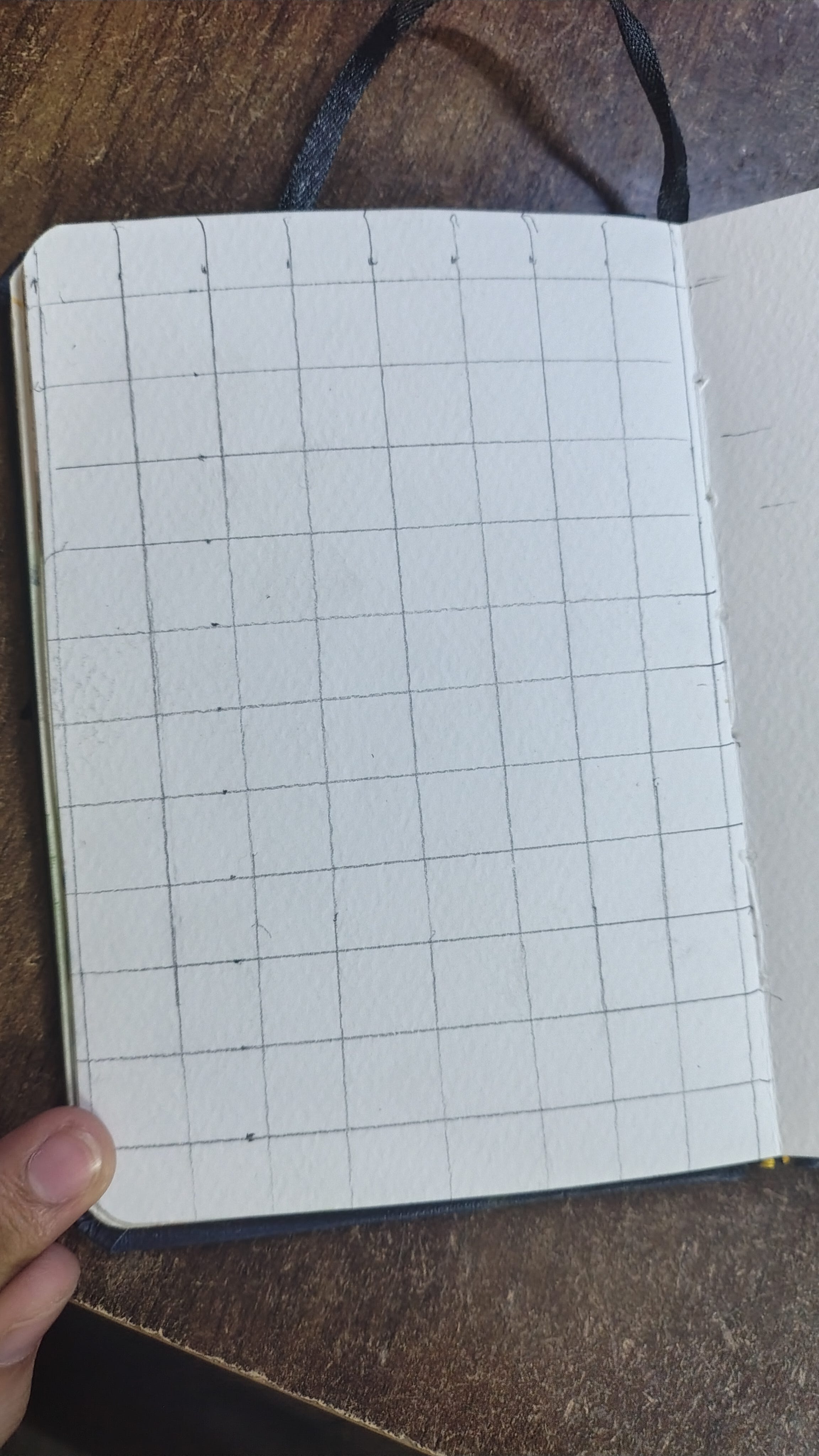
Not too clean but approx it just works.
Step 4: Draw
Ah the first tough step. You need to be able to see the cutting points of the outlines on the grid lines, mark them, and connect them. Be good with the rough estimates. I look at half, one-third, and one-fifth levels of precision on each cell edge to figure intersection.
I also draw the light and dark shaded region contours for easy painting later.
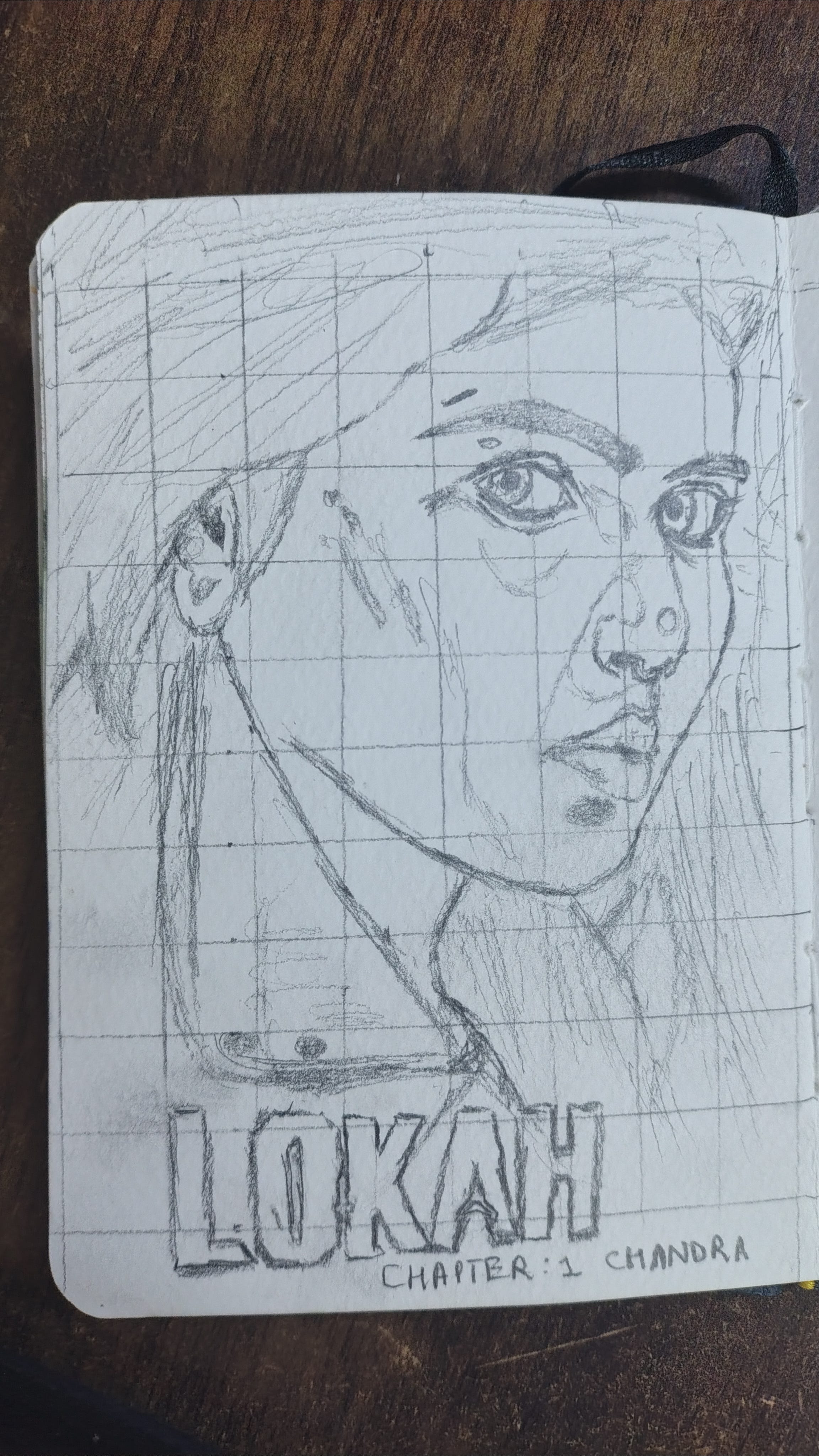
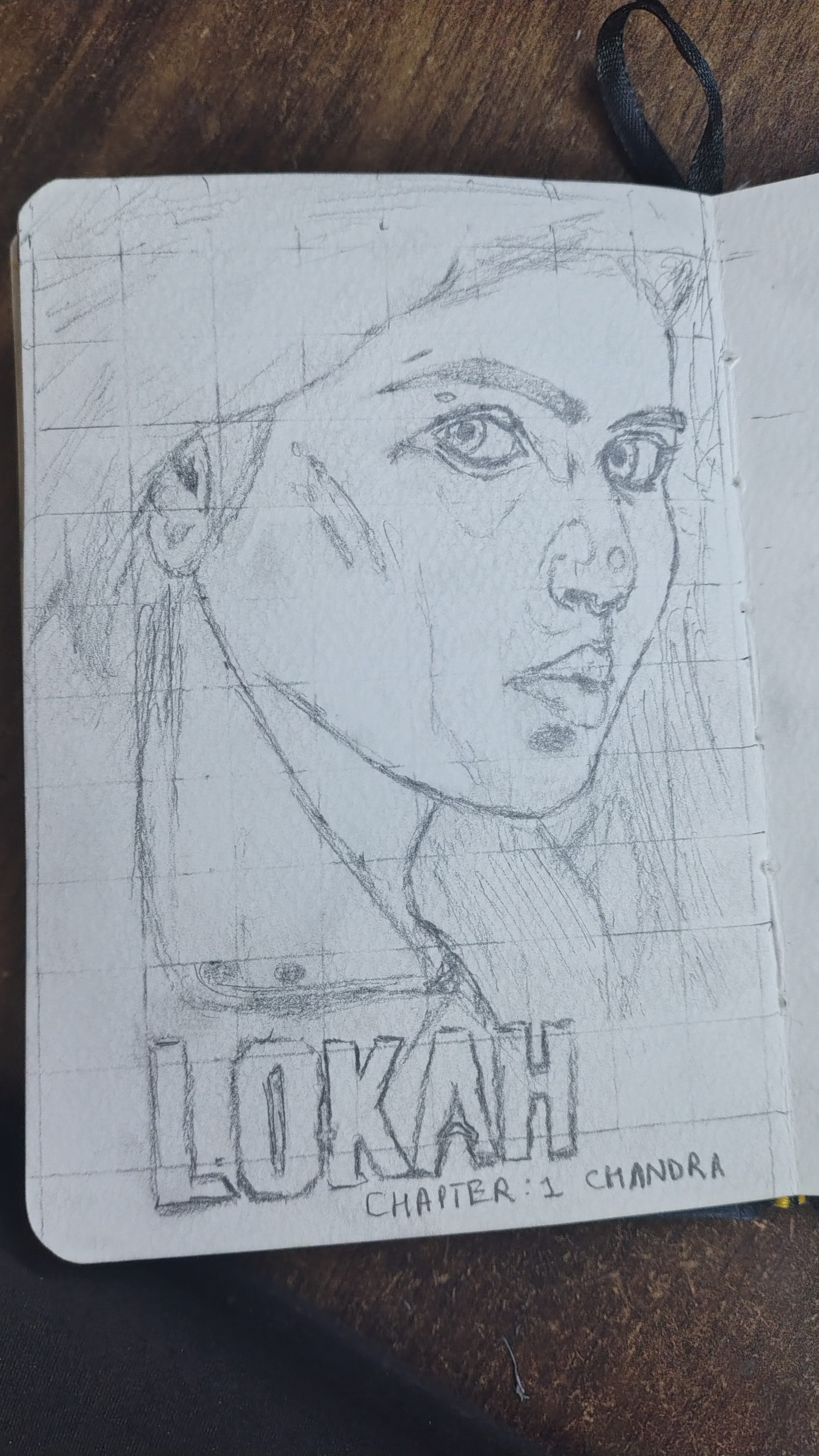
Step 5: Try to erase the grid
Try is all you can do. Use thin eraser. I would cut my rectangular eraser into 2 triangles for sharpness.
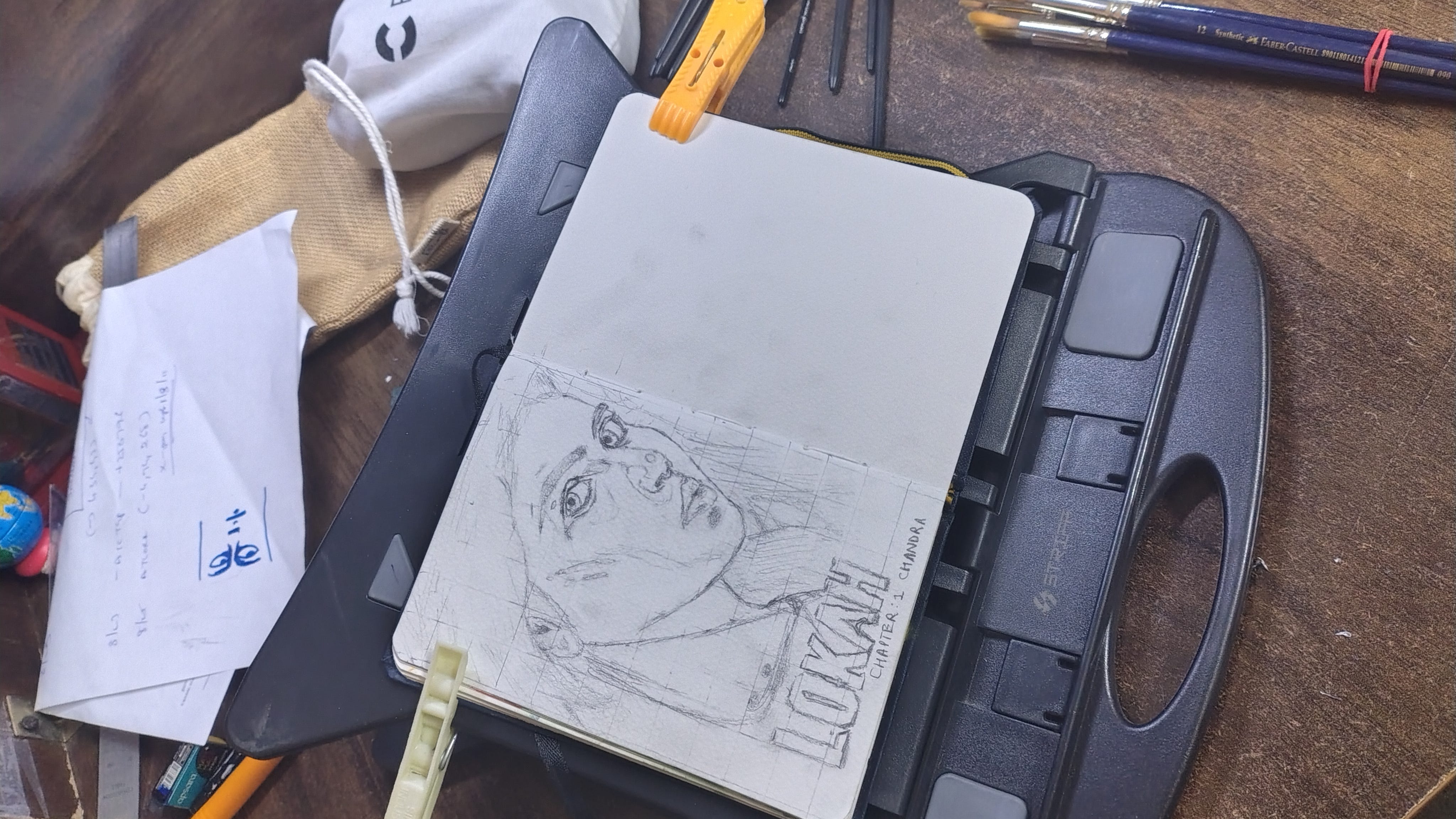
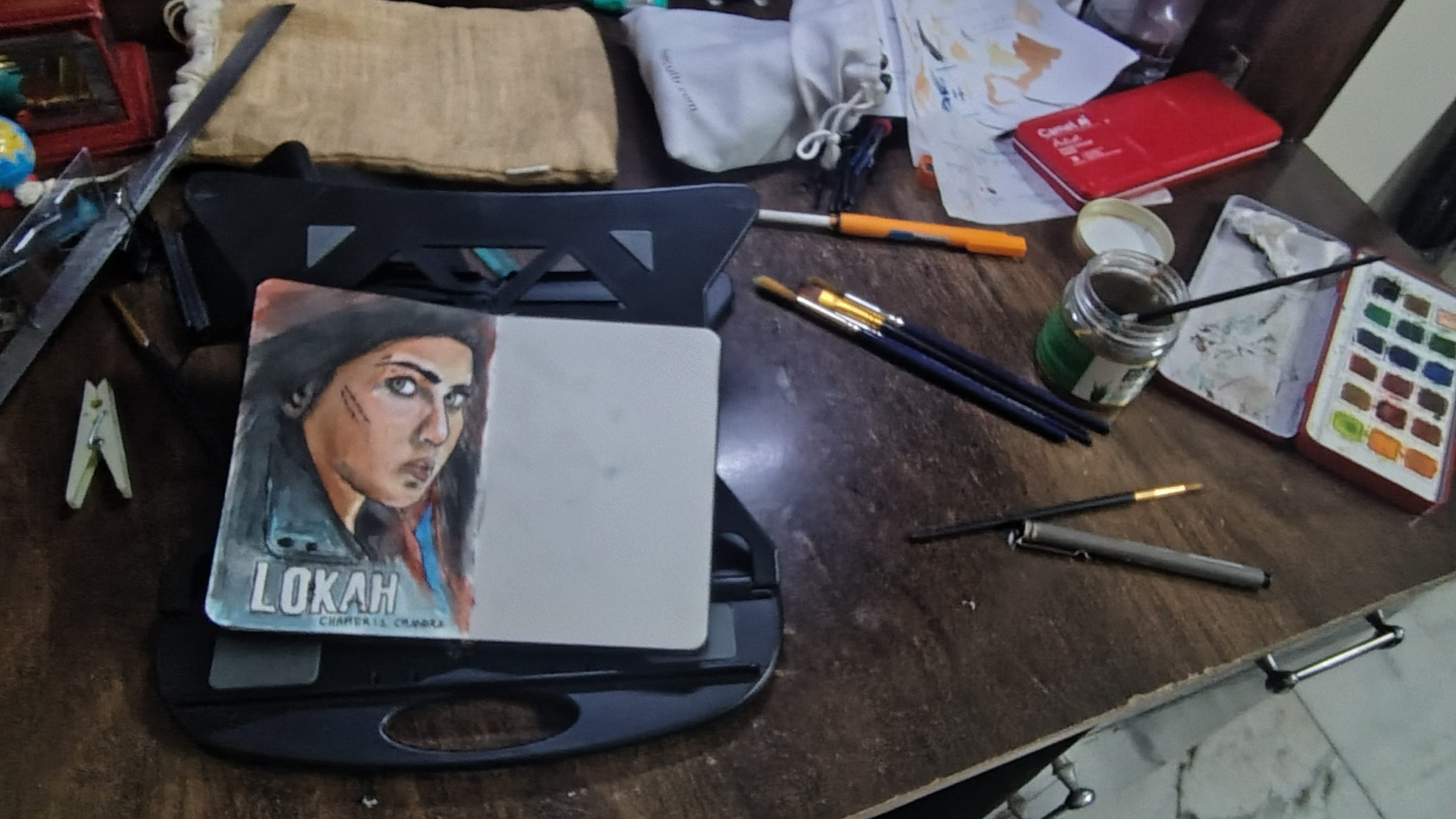
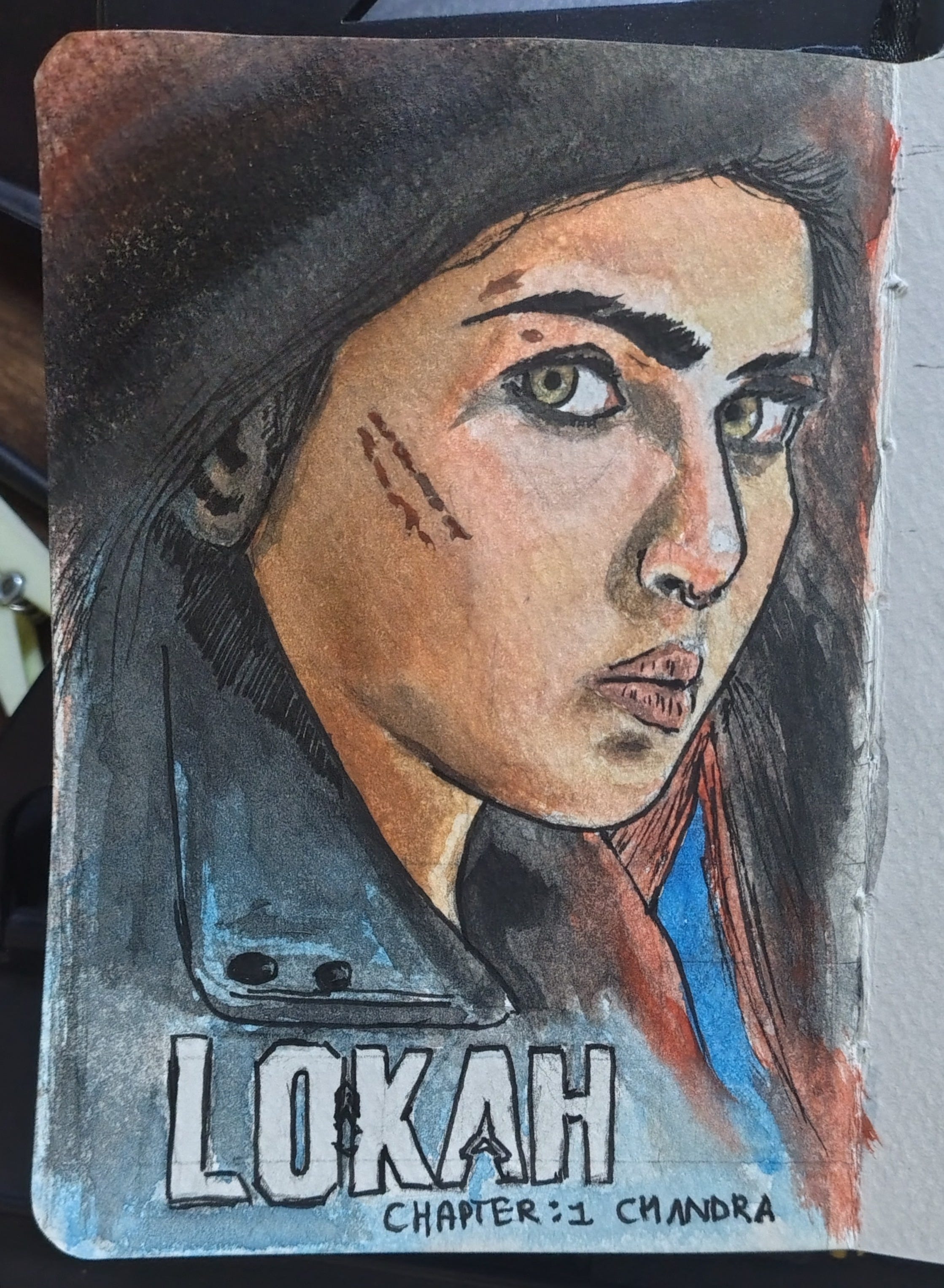
Step 6: Water colours
I can't explain in detail on how to mix colours, find the right shade, and work it, cuz i don't wanna. Go to youtube for some starters and practice a lot. That's the way I learnt.
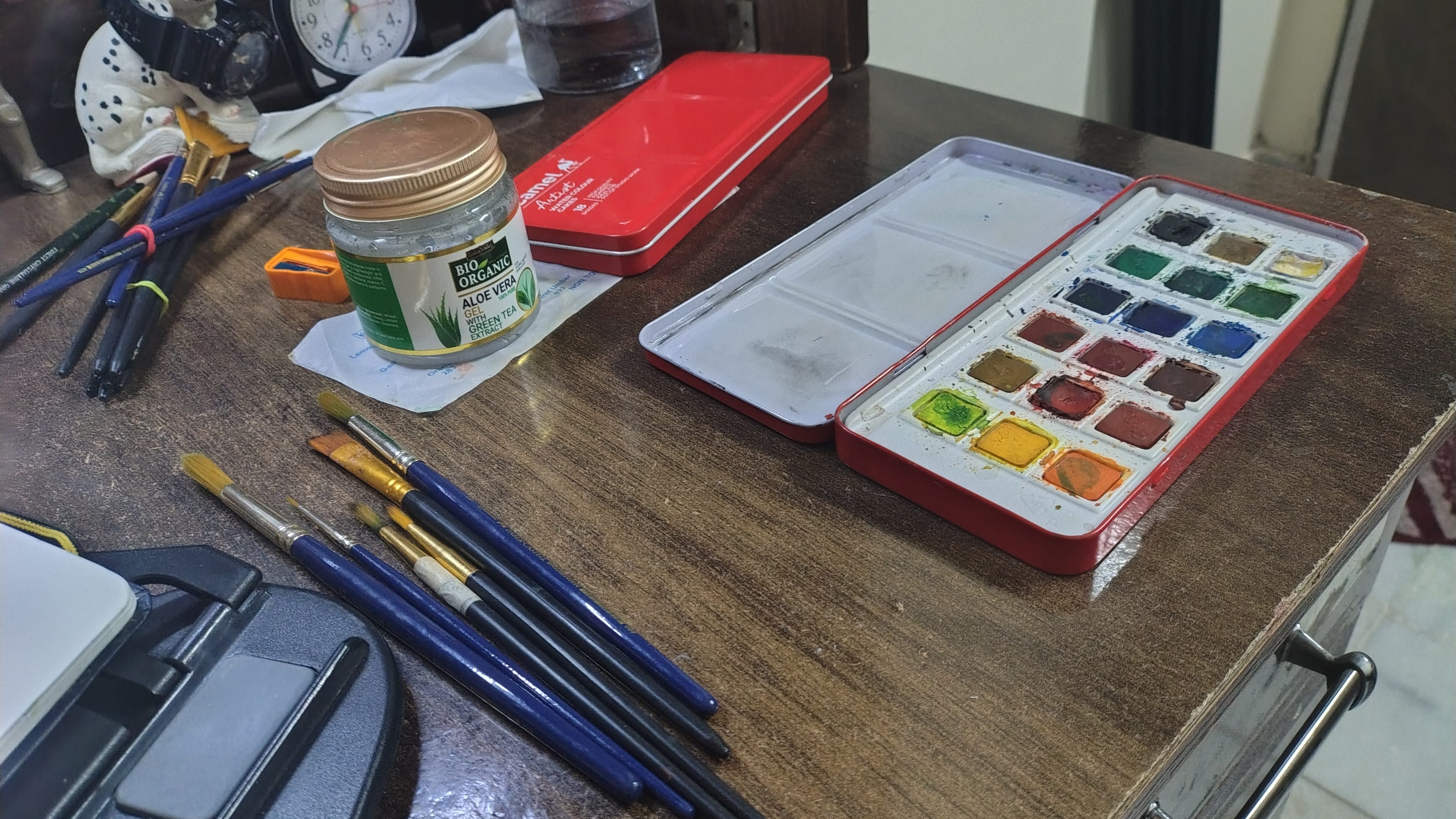
But it helps to add that I create my 50 shades of skin using Gamboge hue (yellow), Scarlet (red), ultramarine blue, and white.
I use a Camlin Artist watercolor cakes set. 18 colours.
Have tissues, they are your best friends.
I collect them as much as I can and stove them into my shelf.
Step 7: Colour pencils for extra marks
The above image might look fine, but we aren’t there yet.
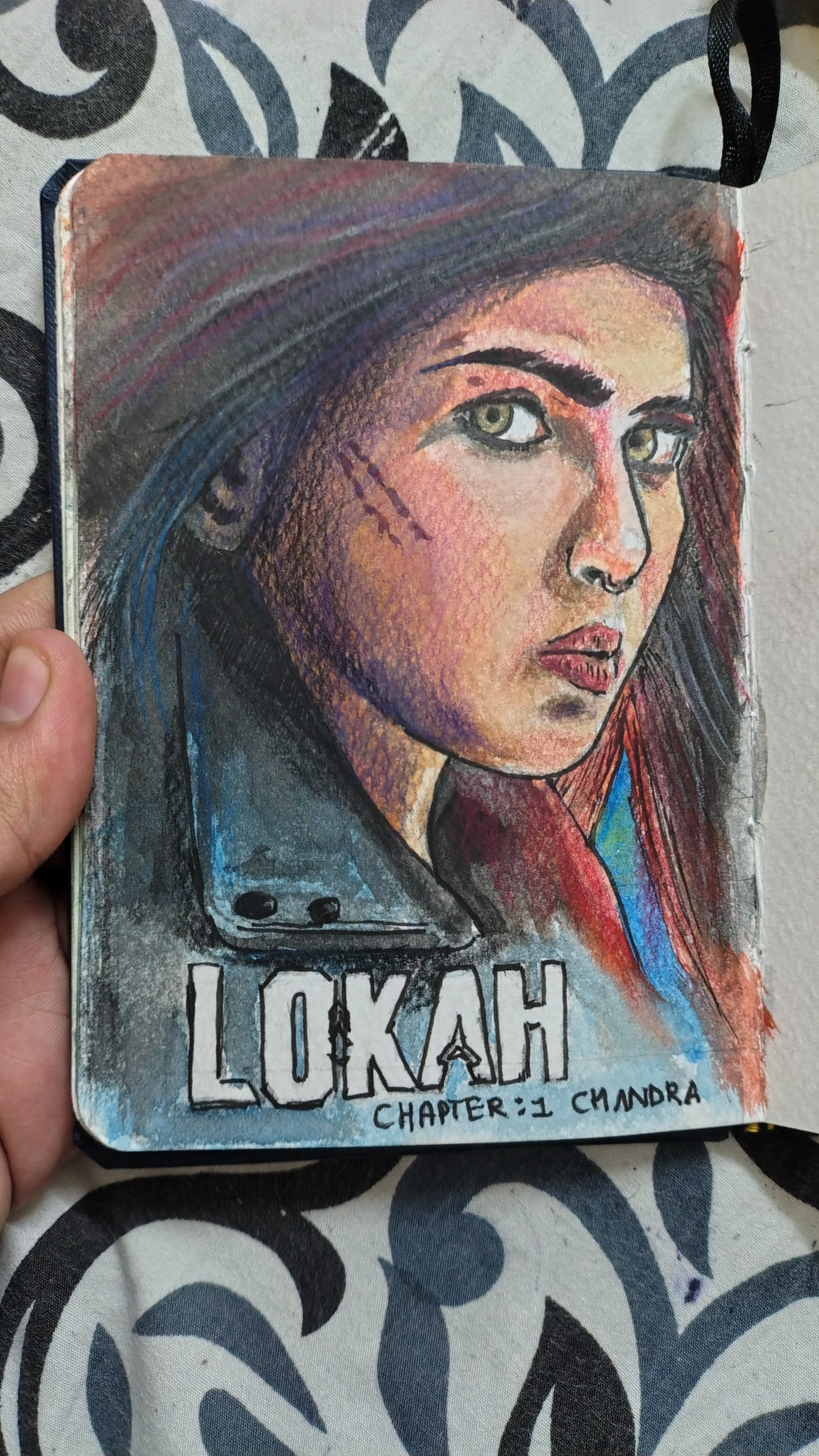
So we use colour pencils to game up.
Purple is a nice shade to make things dark. And maroon too.
Step 8: Editing the image
Real world and physical art are messy, so you need to add some digital touch ups and cleanups to make it near.
I mostly used google photos but then idiots removed the 4 point crop option lately so life's been a bit tough. Also magic eraser was great but not anymore.
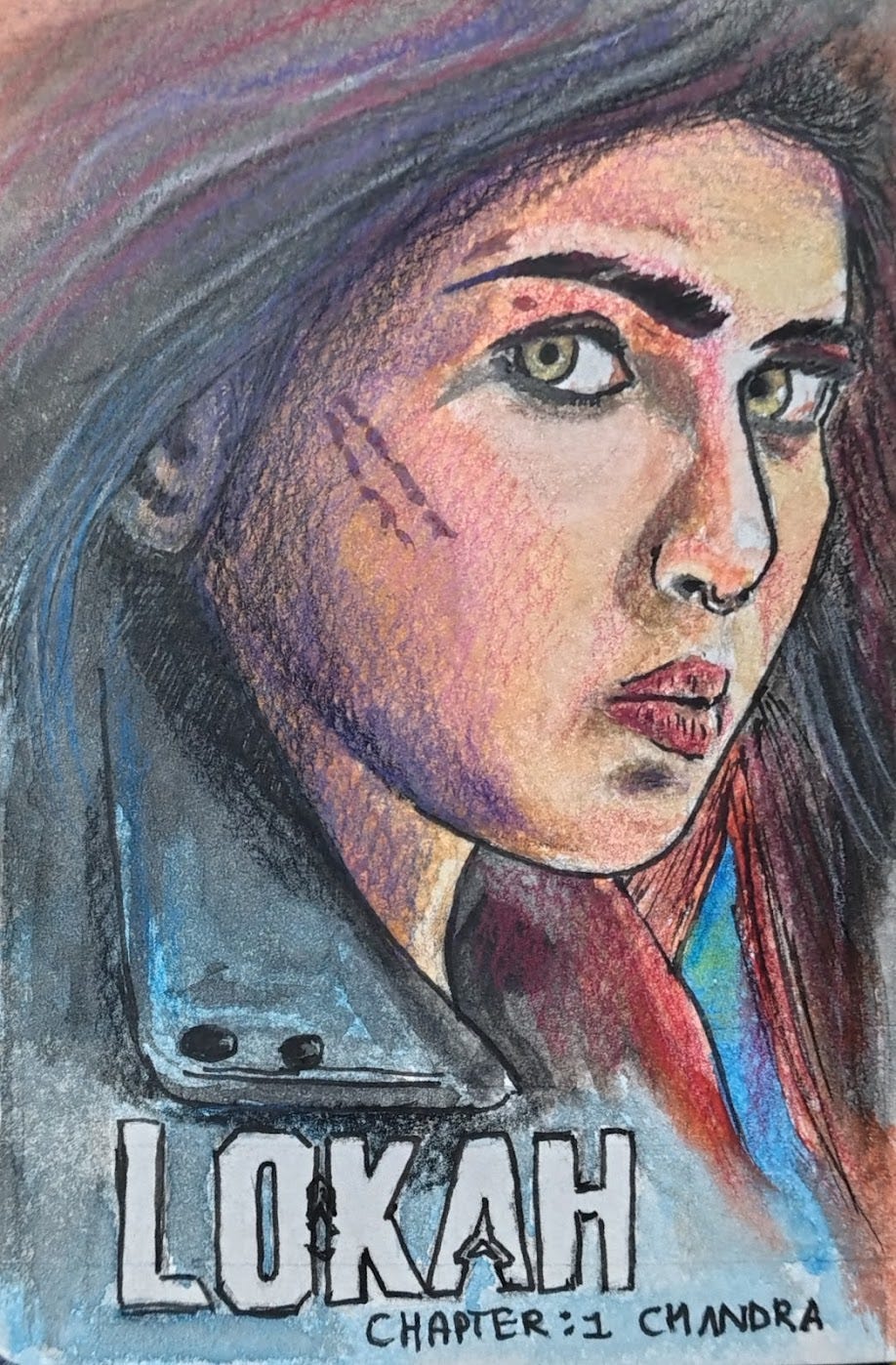
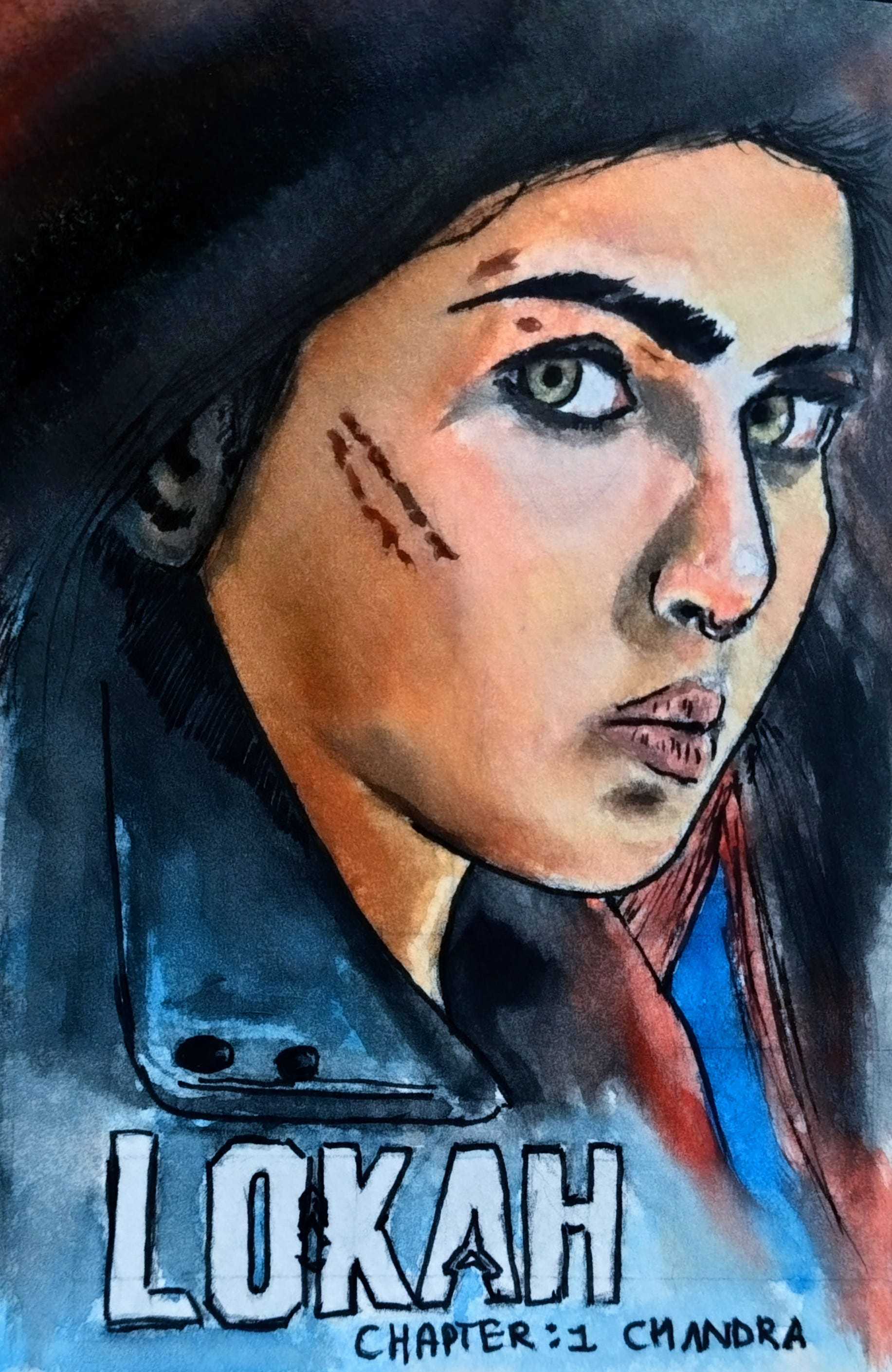
Output
Don't forget to sign your work. I did, so had to add it digitally
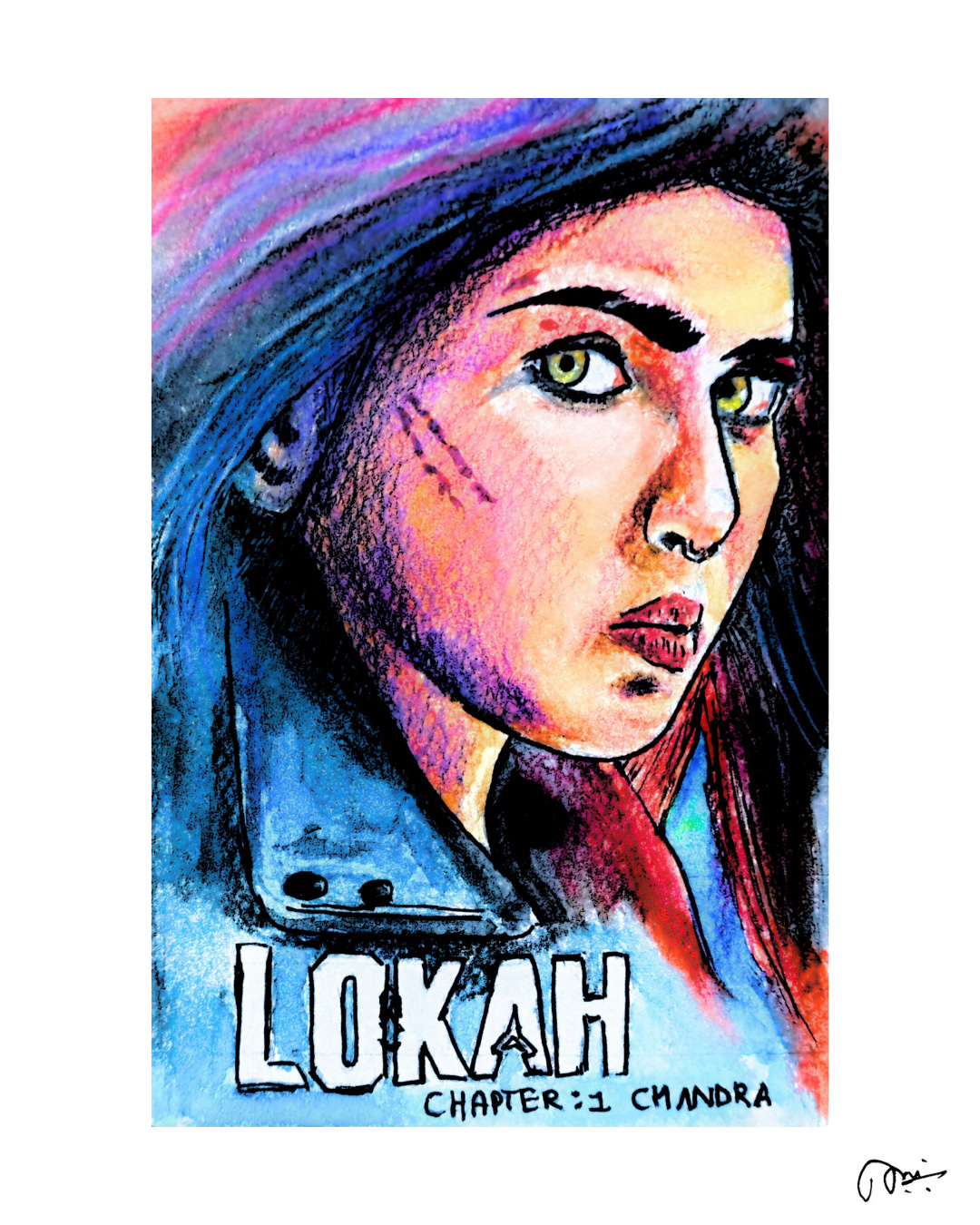
Here’s the visual match between the reference and the output.
Final thoughts
It's a pleasure to draw, to paint, and to paint such a beautiful character is just an amazing experience.
I hate google photos for their app changes, that used to help me clean my images better.
I should have signed my painting. Shit.
What do you think? Share thoughts pliss.
Again!!! Sundar, detailed, intricated, and amazing!!